Best for
- Consultants and professional-services teams
- Educators and course creators
- Product and leadership teams
Extract the durable ideas from a recording and organise them into an editable presentation instead of treating the transcript as finished slides.
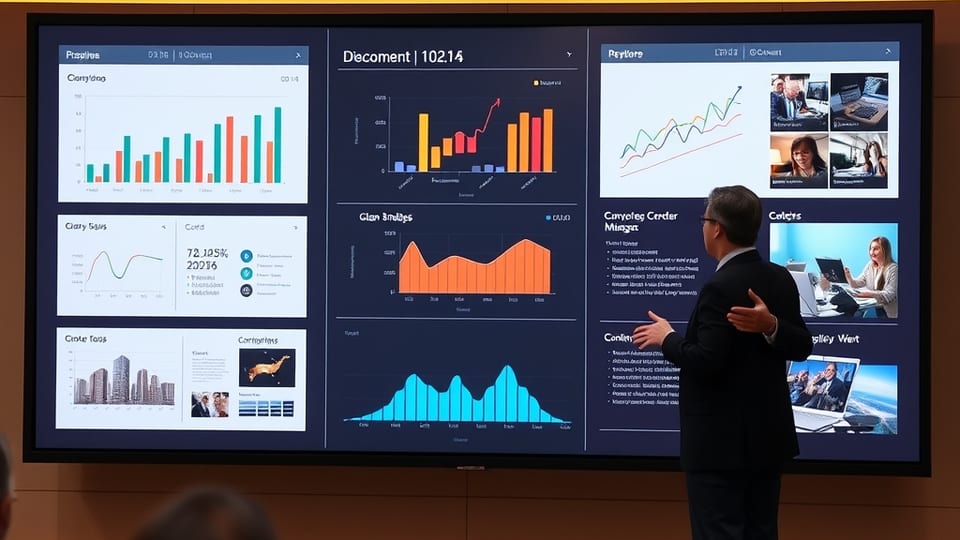
Turn a recording into a structured slide deck with a clear title, key ideas, evidence, recommendation, and next step.
Use these beats as a guide, then change the wording, creative direction, visual treatment, and ending for your audience.
No. It uses the recording as source material but structures concise, presentation-ready ideas rather than transcript paragraphs.
Yes. Every section and visual direction remains editable after the first draft is created.
The starting structure targets six to ten slides, but the right number depends on the evidence and decisions required.
Yes. The original recording remains untouched while the deck is created as a derived composition.
Your composition stays editable, and the finished video can be published on its own branded VideoM8 viewer page.
↑↓ Navigate Enter Open Esc Close ⌘K Toggle
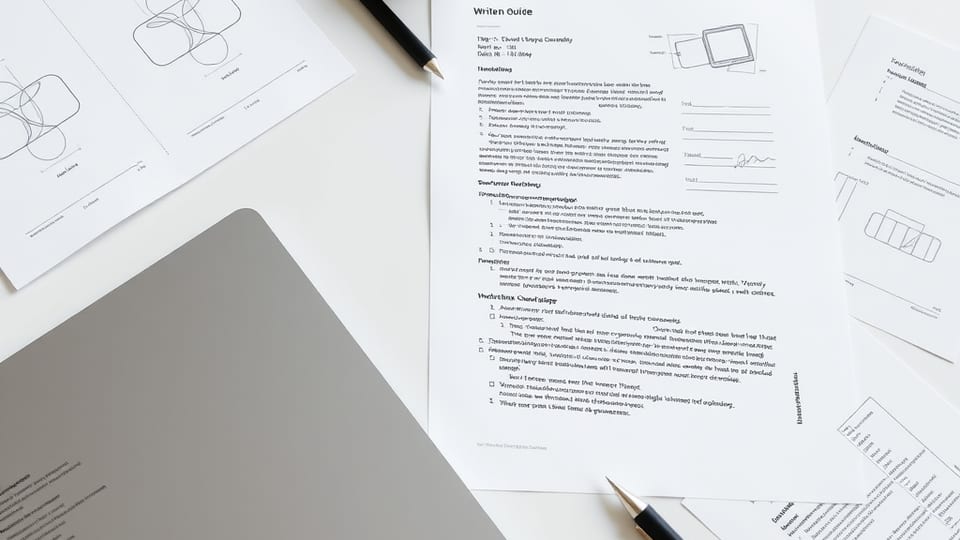 Video to written guide
 Talking-head explainer
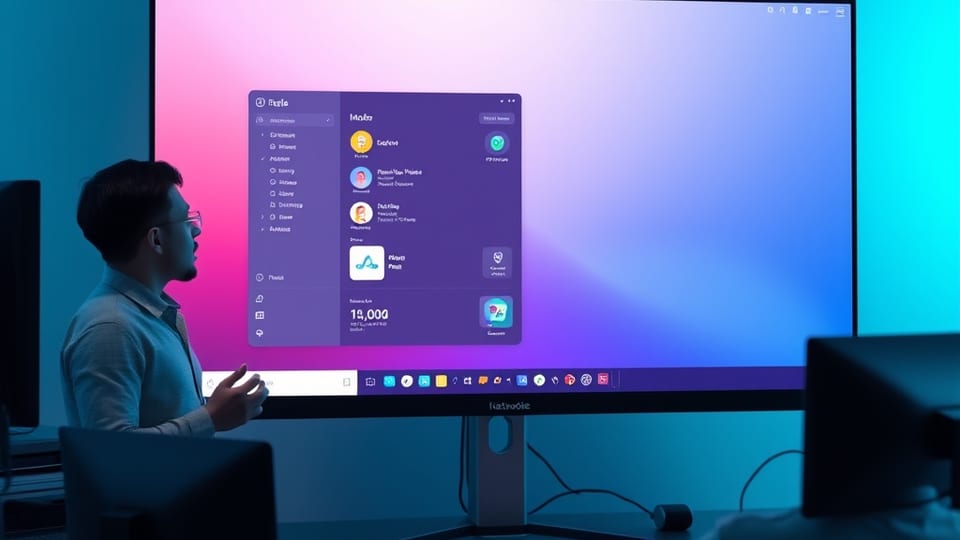 Screen demo