Best for
- Educators and subject-matter experts
- Product and customer-success teams
- Founders and creators
Turn one useful idea into a confident presenter-led video that is easy to follow, easy to edit, and ready to share on its own branded page.

Plan and record a clear talking-head explainer with a strong hook, three teaching beats, a practical example, and a direct next step.
Use these beats as a guide, then change the wording, creative direction, visual treatment, and ending for your audience.
Aim for two to five minutes when teaching one focused idea. Use a shorter format when the explanation does not need an example or demonstration.
Yes. Start with the template, choose Upload as the narration mode, and shape the existing recording around the same story beats.
Yes. The template is a starting composition, so every section, visual direction, narration choice, and closing action remains editable.
Yes. Once the video is published, VideoM8 gives it a shareable viewer page where you can add branding, supporting copy, and a call to action.
Your composition stays editable, and the finished video can be published on its own branded VideoM8 viewer page.
↑↓ Navigate Enter Open Esc Close ⌘K Toggle
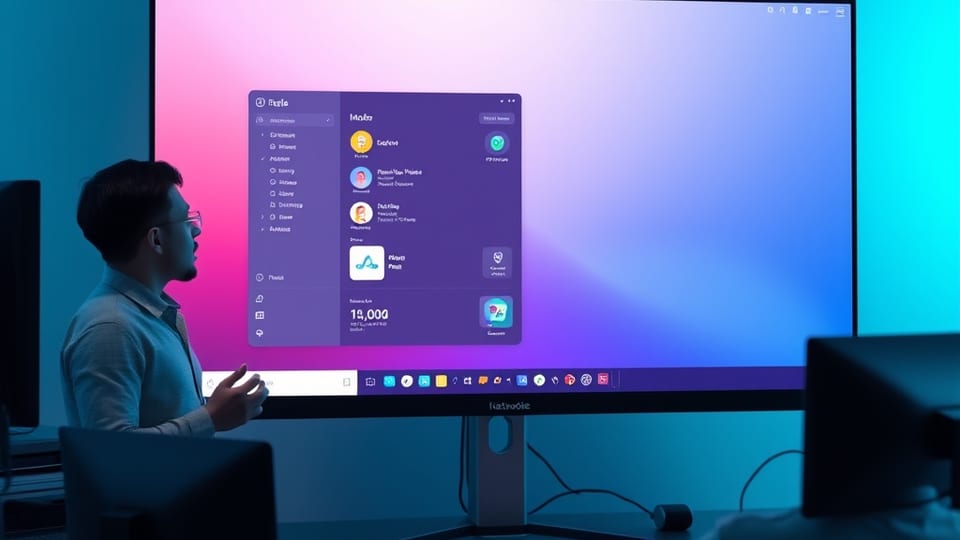 Screen demo
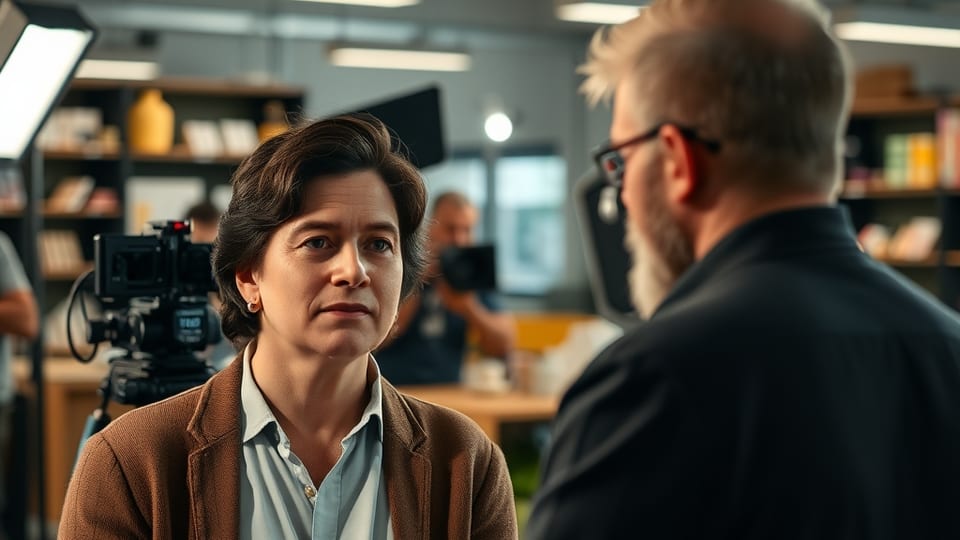 Presenter + B-roll
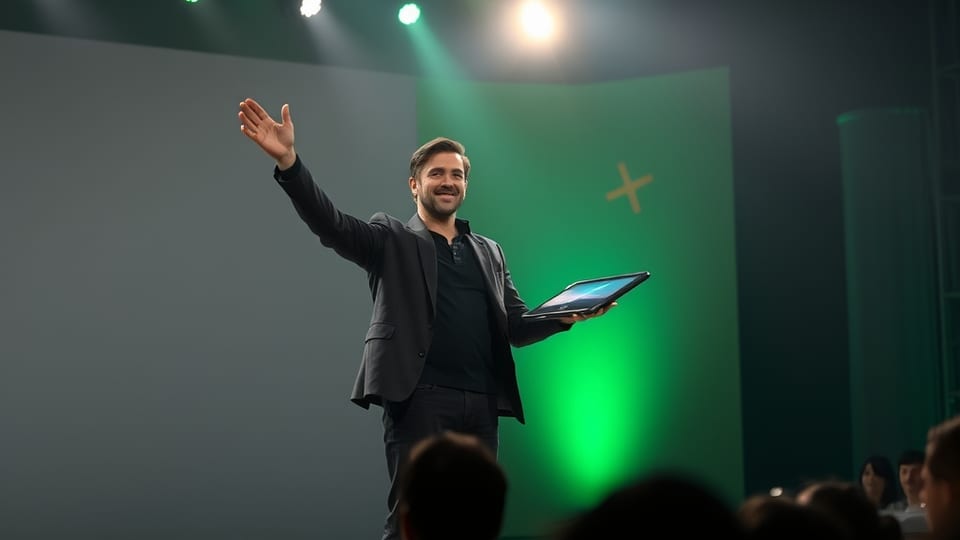 Product announcement