Best for
- Product and sales teams
- Customer-success teams
- Course creators and internal trainers
Guide viewers from the outcome they want through the exact clicks that matter, while keeping your explanation and screen activity in sync.
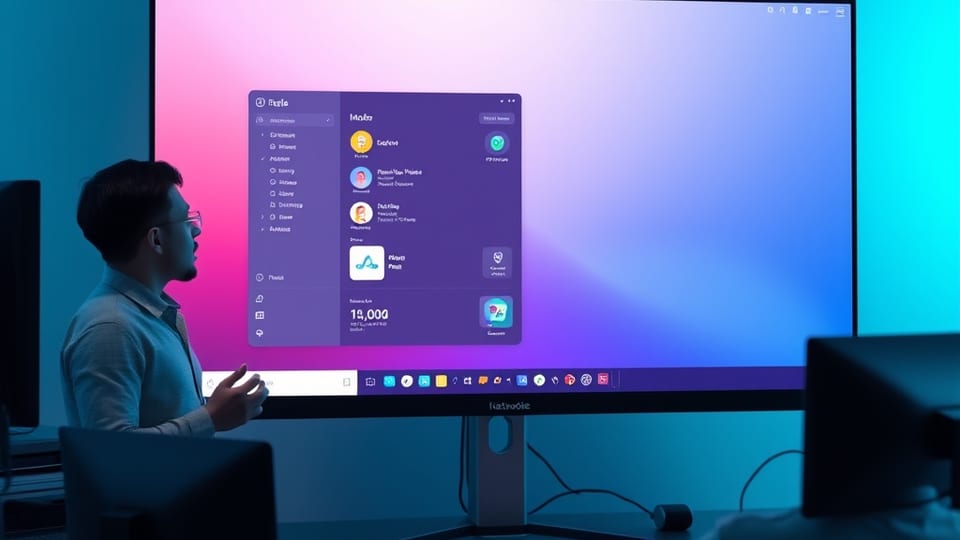
Create a focused screen-recorded product or process demo with presenter context, a clear walkthrough, proof of the result, and a next step.
Use these beats as a guide, then change the wording, creative direction, visual treatment, and ending for your audience.
Include only the setup and actions needed to reach one meaningful outcome. Move edge cases and secondary features into another video.
Yes. You can use screen-only or screen-and-camera recording and choose a layout that keeps the interface readable.
Yes. Record naturally, then trim pauses, remove retakes, and add zooms or supporting visuals in Studio.
Yes. Add a clear call to action on the published viewer page for documentation, signup, booking, or the next workflow.
Your composition stays editable, and the finished video can be published on its own branded VideoM8 viewer page.
↑↓ Navigate Enter Open Esc Close ⌘K Toggle
 Talking-head explainer
 Presenter + B-roll
 Product announcement